Key takeaways
- A mobile app report covers three finding sets: the client binary, device storage, and the backend API.
- Every finding needs a reproduction path tied to a specific app version and device configuration, not just a screenshot.
- Coverage evidence proves what was tested, so a reviewer can tell what was not in scope as well as what was.
- The retest record must name the exact build that was verified, not just confirm that a finding is closed.
- The executive summary should give a CISO the aggregate risk in plain terms and name the two or three findings that need immediate attention.
The three surfaces a mobile pentest tests
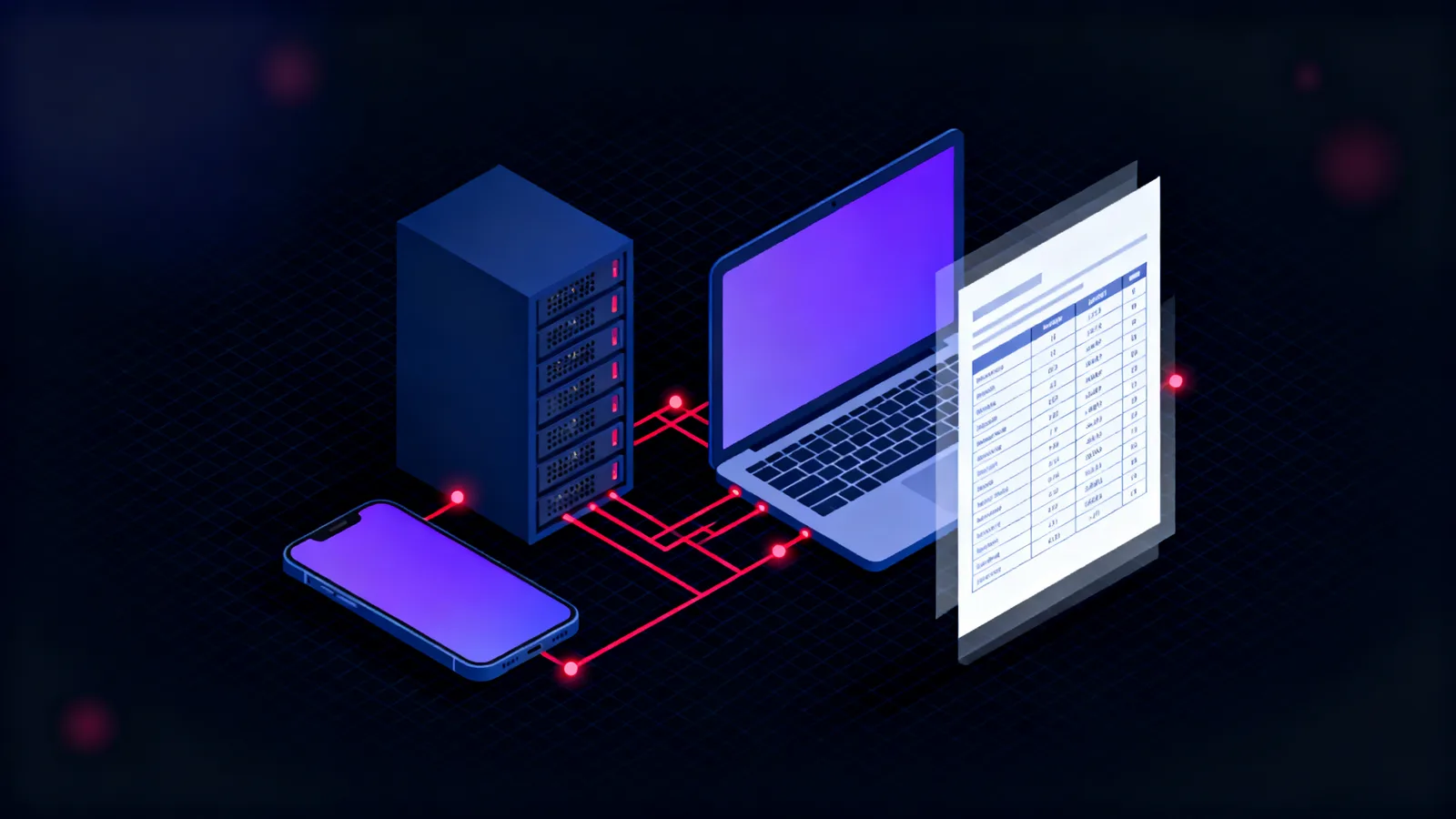
A mobile app pentest tests more surfaces than a web application engagement. The client binary runs on a device the tester controls; the device holds the data the app writes to it; and the app communicates with a backend reachable through the same network. Those three surfaces produce three distinct finding categories, and a report that merges them into one list makes it harder to assign ownership or plan remediation.
The standard that organises this work is the OWASP Mobile Application Security project, which covers storage, cryptography, authentication, network communication, platform interaction and code quality. A report that maps its findings to these categories gives a developer a checkable remediation list rather than a narrative of what went wrong.
The separation is also practical. A finding against the client binary is fixed in the app. A finding against device storage is fixed partly in the app and partly through platform configuration. A finding against the backend API belongs to a different team and may require a different sign-off. The article on how a mobile app pentest is run covers how the engagement is structured; this one covers what the report must contain.
Client binary
Static analysis
Decompiled code, embedded secrets, exported components
Dynamic analysis
Runtime hooks, traffic intercept, cert pinning
Device storage
File system extraction
Sandbox, preferences, SQLite databases
Protection class check
Keychain and Keystore configuration
Backend API
Authentication
Token handling, session expiry, MFA bypass
Authorisation
IDOR, horizontal privilege, access control
What each finding must contain
Finding structure is consistent across all three surfaces, but mobile findings carry fields that web app reports can omit. A finding must have a title that names the class of weakness, the affected component (app version, OS, device model), a severity rating, a full reproduction path, the evidence, the impact, and the remediation. A title like "API security issue" tells a developer nothing; "unauthenticated endpoint returns account data" names the problem and points directly at the fix.
The reproduction path is what separates a usable finding from an observation. For a mobile finding it must name the app version, the OS version, the device or emulator, any prerequisite state (a jailbroken device, a certificate installed, an account in a specific configuration), and the exact steps. A tester who ships the same app to the same device a year later should be able to reproduce the finding from the report alone.
Evidence is the HTTP capture, the extracted file, the decompiled source excerpt, or the memory dump. A paragraph describing what was observed is not evidence. The remediation should state what to change and how to verify the fix, not just the category of problem it falls into.
The table below shows the structure of a single finding, with examples of the fields that most often arrive incomplete.
| Field | What it must say | Example |
|---|---|---|
| Title | Weakness class and affected endpoint or component | Hardcoded API key in compiled strings table |
| Affected component | App version, OS, build variant, device model | App v2.4.1, iOS 17.2, iPhone 14, production build |
| Severity | CVSS 3.1 base score and vector string | 8.1 High (AV:N/AC:L/PR:N/UI:N/S:U/C:H/I:H/A:N) |
| Reproduction | Prerequisite state and ordered steps to the evidence | 1. Install app v2.4.1 on jailbroken iOS 17.2; 2. strings /var/containers/Bundle/.../app | grep -i key |
| Evidence | Actual output: HTTP capture, extracted file, decompiled excerpt | strings output showing key; Burp capture of key in X-Api-Key header |
| Impact | What an attacker can do with this finding | Key allows unauthenticated access to all production API endpoints |
| Remediation | Specific change and verification method | Remove from binary; store in Keychain; retest by re-running strings on rebuilt IPA |
Static analysis: what the binary should prove
Static analysis takes the app binary and extracts facts without running it. The findings from this phase are code-based: hardcoded credentials or API keys, overly permissive configurations, exported components that should not be reachable from outside the app, and embedded certificates or private keys.
The report should state the tool and version used to decompile the binary, so a reviewer can reproduce the extraction. For Android this is typically jadx or apktool; for iOS it is class-dump combined with a disassembler. An extract from the decompiled output should accompany each finding, showing the line or method where the weakness appears.
The static section should also record the binary integrity checks applied: whether the app validates its own signature at runtime, whether it ships with debugging enabled, and whether the build variant tested is the production release. A debug build with verbose logging and disabled certificate validation is not a representative test subject. The report must state which build was used and how that was confirmed.
A common finding in this category is an API key compiled into a constant or embedded in the string table. The correct remediation is not to obfuscate the string but to remove it from the binary entirely and retrieve credentials at runtime through a secure channel. The finding should name the target configuration, not just the current gap.
Dynamic analysis: runtime and traffic findings
Dynamic analysis runs the app and observes its behaviour. The report section for this phase records what the tester intercepted, instrumented, and modified.
Traffic findings should include the full HTTP exchange: request headers, request body, response headers and response body. A finding that describes "sensitive data in a response" without the response itself is unverifiable. The capture should use a recognisable tool (Burp Suite, mitmproxy), and the finding should name the endpoint, the data returned, and what level of authentication is required to reach it. The backend detection article covers the signals this traffic produces at the server side.
Where certificate pinning was present and bypassed, the report should record the bypass method. A simple bypass via a Frida hook points to a different remediation than a bypass through a custom trust store. For a worked account of this, see breaking the pin: reading a mobile app's API traffic.
Runtime instrumentation findings cover what the app does while running: hooks into authentication methods, calls to cryptographic APIs with weak parameters, and writes to insecure storage. A finding that shows Frida script output or a strace capture is more persuasive than one that describes the class name observed. The API pentest engagement covers the same backend surface when the client has no mobile app, so findings from the dynamic API section of a mobile report map directly to that scope. The article on detecting mobile app attacks covers which API gateway signals correspond to these test activities.
Device storage findings: what the report must show
Device storage findings record what the app writes to the device and whether that data is protected. The report should cover each storage location tested: application sandbox files, SharedPreferences on Android, NSUserDefaults and Keychain on iOS, SQLite databases, and any external storage paths the app uses.
For each location, the finding should show the actual data found and the protection class applied. A finding that shows the SQLite query and its result is more actionable than one that states sensitive data was found in the database. The article on what a mobile app leaves on the phone: tokens in clear text covers the extraction steps for the most common storage paths.
Three things matter to a developer reading a storage finding: where the data is, what protection is applied, and what the correct configuration looks like for that platform. For iOS, the correct storage class for session tokens is kSecAttrAccessibleWhenUnlockedThisDeviceOnly in the Keychain. For Android, the equivalent is EncryptedSharedPreferences backed by the Android Keystore system. The finding should name the target, not just the gap.
The executive summary and the retest record
The executive summary is what a CISO reads before anything else. It should answer three questions: what was the scope of the test, what is the aggregate risk picture, and what must happen first.
The scope statement names the app version, the platforms tested, the account types used, and what was explicitly out of scope. The risk picture is not a count of findings by severity: it is a statement of what an attacker could do, in one or two sentences. "An unauthenticated endpoint returns all user account data" is more useful to a decision-maker than "three high, four medium, two low findings".
The top two or three findings should be named in the summary with their severity and their fix, so a decision-maker reading only the summary knows what the development team must prioritise. The summary is not an introduction to the technical section. It is a standalone risk statement.
The retest record is the last section of the report. It names the build retested, records the date and tester, and states for each finding whether it was confirmed fixed, partially fixed, or still open. A finding marked partially fixed should explain what changed and what remains open. As described in retesting a mobile app fix: the build the tester checked is not the build users run, the build the tester verifies must be the build that ships. A fix confirmed on a development build is not a confirmed fix for the purpose of regulatory evidence.
Executive summary
Scope, aggregate risk, top two or three findings
Findings: three surfaces
Client binary, device storage, backend API
Coverage evidence
Tools, versions, test accounts, what was out of scope
Retest record
Build retested, date, tester, outcome per finding
Mobile app pentest reports as regulatory evidence in the UAE
Organisations in Abu Dhabi and Dubai that handle personal data or provide regulated services face security testing requirements where the report is the primary deliverable an auditor reads.
The CBUAE cybersecurity framework asks financial institutions to conduct security testing of mobile channels as part of their technology risk management obligations. The framework requires evidence that findings were tracked, remediated and verified. The retest record in this article satisfies that requirement: a named tester, a named build, and a confirmed outcome for each finding.
ADHICS, the Abu Dhabi Healthcare Information and Cyber Security Standard, applies to any organisation that handles healthcare data in Abu Dhabi, including the mobile applications through which patients access records and book appointments. ADHICS requires documented evidence of technical security testing at a level of detail that maps directly to the finding format described here: component, evidence, impact and remediation.
For Dubai government entities and their suppliers, DESC requirements address mobile applications in its supply chain security controls. A report structured around MASVS categories and CVSS severity ratings gives a DESC auditor a recognisable format with clear remediation accountability.
The UAE Information Assurance Regulation, published by TDRA, applies federally to entities that meet its applicability threshold. Its technical security testing controls require documented evidence of scope, findings and remediation. A report that does not state what was tested, what was found, and what was verified as fixed is not compliant evidence, regardless of how thorough the testing was.
Frequently asked questions
What is a mobile app pentest report?
A mobile app pentest report is the written deliverable of a security engagement that tested an iOS or Android application. It documents what was tested, what vulnerabilities were found, the evidence for each finding, and the remediation steps. A complete report covers three surfaces: the app binary, what the app writes to the device, and the backend API the app communicates with.
How is a mobile app pentest report different from a web app pentest report?
A web app report covers server-side logic and browser-side rendering. A mobile app report adds two categories that web tests do not produce: client-side findings from the binary and compiled code, and device storage findings from files and databases the app writes to the device. The backend API section covers ground similar to a web app engagement, but it is tested through the mobile client rather than a browser.
What evidence must accompany a mobile pentest finding?
Evidence should be the actual output that proves the finding: the HTTP exchange for a traffic finding, the extracted file or database content for a storage finding, or the decompiled code excerpt for a static finding. A screenshot and a description are not sufficient on their own. The finding must include enough detail for a third party to verify the result independently, without access to the original test environment.
What severity scoring should a mobile app pentest report use?
Most mobile app pentest reports use CVSS 3.1 base scores, as defined by [FIRST](https://www.first.org/cvss/). The base score captures the exploitability and impact characteristics without environmental factors. Some reports add an environmental score that reflects the organisation's specific deployment, such as whether the app handles financial transactions or medical records. MASVS risk categories can complement CVSS by mapping findings to mobile-specific security requirements.
How should a certificate pinning bypass be documented in the report?
The finding should record the bypass method (a Frida hook, an SSL kill switch, an objection script) and the pinning implementation encountered. The remediation should address the specific implementation: a pinning check implemented only in Java code has a different fix path from one enforced at the network layer. The finding should state whether pinning is correctly implemented, or present but bypassable with commonly available tools.
What should a mobile app pentest executive summary contain?
The executive summary should state the scope (app version, platforms, account types), the aggregate risk in one or two sentences describing what an attacker could achieve, and the top two or three findings that need immediate attention. It should not be a count of findings by severity category. A CISO reading only the summary should be able to decide whether to hold a release or proceed with remediation planning.
What is the difference between a closed finding and a retest record?
A retest record is a separate section of the report, not just a status flag on a finding. It names the build retested, the date, the tester, and the method used to confirm the fix. A closed finding without a retest record is a developer's statement that the fix was applied, not an independent confirmation. The retest record is the evidence that the fix works in the version that actually ships.
What mobile security standard should a pentest report map findings to?
The [OWASP Mobile Application Security project](https://owasp.org/www-project-mobile-app-security/) provides the MASVS framework, which divides requirements across six categories and defines three verification levels. Mapping findings to these categories gives the development team a remediation checklist aligned with an industry standard. [MITRE ATT&CK for Mobile](https://attack.mitre.org/matrices/mobile/) supplements this with the tactics and techniques an attacker uses to reach the same vulnerabilities.
Which app build should a mobile pentest use?
Testing should use the production build or one that is identical to what ships to users. The report must specify the exact version number, build number, platform, OS version, and device or emulator model. A debug build with certificate validation disabled or verbose logging enabled is not a representative test subject, and findings from it may not reproduce on the production release. The report should state how the build was confirmed as the correct one.
How should findings be prioritised in a mobile pentest report?
Prioritisation starts with CVSS severity, but the executive summary should re-order findings by what matters most in context. A medium-severity finding that enables authentication bypass often warrants higher priority than a high-severity finding that requires physical access to a jailbroken device. The report should state any environmental factors that affect priority, so the development team can plan remediation in the right order rather than working down a severity list.