Key takeaways
- A web fix deploys once and is live for everyone. A mobile fix in the client ships as a new build, waits on a store review, rolls out in stages and reaches only the users who update. The retest has to cover that gap.
- Sort every finding by where its fix lives. A backend fix closes the flaw for every build the moment it deploys. A client fix closes it only on builds that carry it, so the old builds stay exposed until they are gated out.
- A server-side minimum version check keeps honest users off stale builds. It does not stop an attacker. The version an app reports is a header the tester can rewrite, so a flaw fixed only in the client is still reachable from a spoofed old build.
- Retest the store build rather than a debug build from the developer. Retest the backend from a laptop as well as from the phone, because the two runs answer different questions.
- The retest record names build numbers and dates: the build tested, the build with the fix, the backend deployment, and the date the minimum version was raised. Without those, an assessor cannot tell when the exposure ended.
The build the tester tested is not the build your users run
When a web application pentest finds a flaw, the team deploys the fix once and every user is on it within the hour. A mobile app does not work that way. A fix in the client ships as a new build, waits for store review, rolls out in stages and reaches only the phones whose owners install the update. Some never do. So on the day the developer says the finding is fixed, three builds matter at once: the one the tester assessed, the one in the store, and the spread of builds installed on phones.
That changes what a retest is for. On a web test a retest asks one question: is the flaw still there. On a mobile app pentest it asks three: is the fix correct, which build carries it, and what happens to a user or an attacker on a build that does not. A retest that answers only the first reports a fixed finding while the exposure continues on every phone that has not updated.
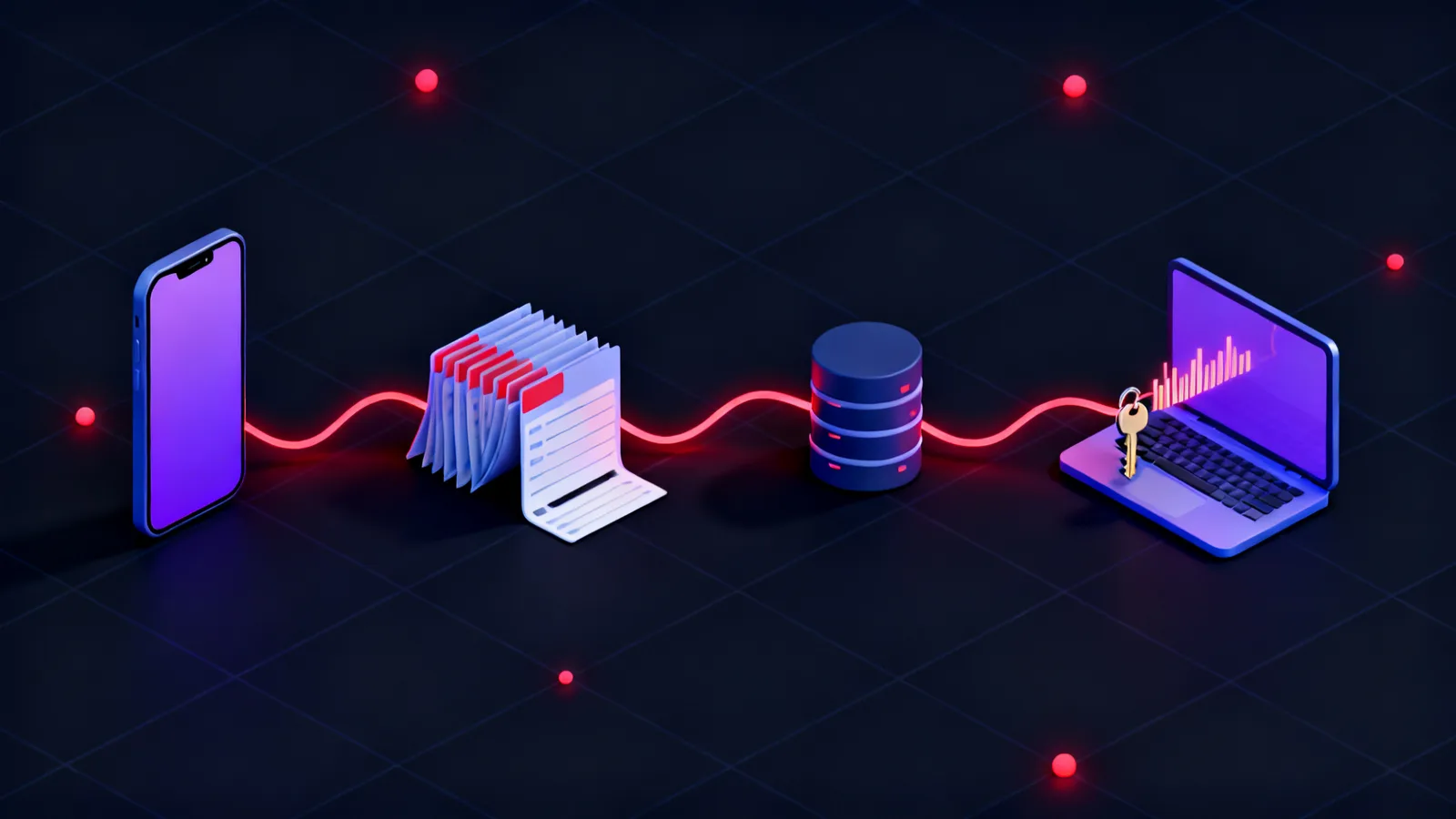
The flow below shows the lifecycle of a client-side fix and where a retest sits in it. Teams tend to compress the verification phase into a single tick. It is the phase that decides whether the finding can honestly be closed.
Fix
Triage the finding
Decide whether the fix is client, server or both
Code and build
A new version number, a new binary
Release
Store review
The build waits on a process you do not control
Staged rollout
A share of users first, then the rest
Users update
Or do not. Old builds stay installed
Verify
Retest the store build
The release binary, and the backend from a laptop
Raise the minimum version
The server refuses builds below the fix
Write the retest record
Builds, dates, method, result
Sort each finding by where its fix lives
Before you schedule a retest, go through the report and mark where each fix has to live: in the client build, on the backend, or both. That one column decides how you verify the finding and how long the exposure lasts. You verify a backend fix once, against the API, and it closes the flaw for every build ever shipped. You verify a client fix on the new build, and the finding stays open on every old build until the server refuses to talk to them.
The sort also catches fixes that look like client work and are not. Take a token written to disk in clear text, the case described in what a mobile app leaves on the phone. The client fix moves the token into the platform keystore. But tokens already on old builds stay readable, so the fix that ends the exposure is on the server: shorter token lifetimes, and revocation of every session issued before the change. A hardcoded API key in the binary follows the same pattern. Removing it from the new build does nothing about the key inside every copy of the old build. The fix is to rotate the key and refuse the old one, and that happens on the server.
The table below sorts the finding classes a mobile report most often contains. Any control that exists only in the client falls under CWE-602, client-side enforcement of server-side security, and the right-hand column shows where that weakness turns up in the retest.
| Finding | Where the fix lives | Old builds after the fix | How the retest verifies it |
|---|---|---|---|
| Session token stored in clear text | Client build, plus server | Exposed until old sessions are revoked | Re-extract from the new build; replay a token issued before the change |
| Hardcoded API key in the binary | Server (rotate and refuse the old key) | Closed for all builds once the old key is refused | Present the old key to the API from a laptop |
| Missing or bypassable certificate pinning | Client build | Exposed, and only as far as the flaws behind the pin | Confirm the pin on the store build; retest the API directly regardless |
| Object references not checked for ownership | Server | Closed for all builds at deploy | Request another user's object from any client |
| OTP brute force with a client-only rate limit | Server | Closed for all builds at deploy | Replay the OTP request in a loop from a laptop |
| Deep link that accepts an untrusted URL | Client build | Exposed until gated out by minimum version | Fire the link at the store build and at the old build |
Gate old builds on the server, and know what the gate does not do
A minimum version check on the backend is what shortens the exposure of a client fix. Every request from the app carries its build number. The server compares it with the lowest version it will still serve, and a build below that line gets a response the app turns into a forced update screen. OWASP treats this as a control in its own right: MASVS-CODE-2 asks that the app has a mechanism for enforcing updates. The retest checks that the mechanism exists and that the line has been raised past the vulnerable build. A gate that exists in the code but still admits the old version has changed nothing.
The gate has a limit the retest also has to state. The version number is a header, and a header is under the attacker's control. A tester who has already bypassed the app's certificate pinning can run the old build, rewrite the version it reports, and reach the backend as if the fix were installed. So the gate protects honest users on stale builds. It does not protect the backend from anyone who wants to look like a new client. That is why a flaw fixed only in the client is still open against an attacker, and why the sort in the previous section keeps asking whether a server-side fix exists too.
The exchange below shows both halves of the check as a tester runs it: the old build refused, then the same request with the version rewritten and accepted. The second result is expected. It is why a retest of the client-side fix has to be paired with a retest of whatever that fix was protecting.
GET /v2/account HTTP/1.1
Host: api.victim.example
Authorization: Bearer eyJhbGciOiJSUzI1NiJ9.example
X-App-Version: 4.8.2
User-Agent: VictimApp/4.8.2 (Android 14)

HTTP/1.1 426 Upgrade Required
Content-Type: application/json

{"error":"update_required","minVersion":"4.9.0"}GET /v2/account HTTP/1.1
Host: api.victim.example
Authorization: Bearer eyJhbGciOiJSUzI1NiJ9.example
X-App-Version: 4.9.0
User-Agent: VictimApp/4.9.0 (Android 14)
HTTP/1.1 200 OK
Content-Type: application/json
{"id":"u-10442","email":"[email protected]","iban":"AE07 0331 2345 6789 0123 456"}Retest the store build, from a device and from a laptop
Retest the binary users receive, downloaded from the store or exported from the release track, not a debug build a developer sends over. Debug builds are signed differently, carry different flags and sometimes point at different endpoints. A fix that holds in one may be missing from the other. The tester re-runs the original reproduction steps against the store build on a device they control, with the same instrumentation as the first test. If the fix also strengthened root detection or pinning, the retest bypasses it again, because the next attacker will.
Retest the backend separately, from a laptop, with no app in the loop. The point is to prove the server-side fixes hold whatever the client claims: an old token, an old key, a request for another user's object, a spoofed version header. This is the same work an API pentest does on its own. On a mobile retest it is the half that decides whether the exposure has ended. Both halves generate traffic your monitoring should see, so a retest is also a cheap second reading of the scorecard described in what your backend should catch during a mobile app pentest.
The grid below shows how to read a retest result. Where the fix lives runs down the side, and whether old builds are still exposed runs across. Only two of the four cells close a finding for everyone. One of those two is a server fix that needed no store release at all.
Where the fix ships
Client fix, server gate
The server refuses builds below the fix. Old builds cannot reach the flaw.
Client fix alone
Every phone on the old build carries the flaw until it updates. Finding stays open.
Server fix
One deployment closes it for every build. Verify once, from a laptop.
Server fix, legacy path kept
An old endpoint left for old builds keeps the flaw alive. Retest the old version too.
Old builds after fix
What the retest record has to say
A retest record for a web finding needs a date and a result. A mobile retest record needs build numbers, because the result is only true of a build. For each finding it names the build the flaw was found in, the build that carries the fix, the backend deployment carrying any server-side part, the date the fix reached the store, the date the minimum version was raised past the vulnerable build, the verification method, and the result. NIST SP 800-115 places verification of remediation in its post-testing phase. For mobile, that phase has more facts to record than the guide's general list.
The result field has four values, and the difference between the first two is what this article is about. Fixed: verified on the store build and on the backend, with old builds gated. Fixed in build: the new build is clean but old builds are still admitted, so the finding stays open with a date by which the gate will be raised. Not fixed: the reproduction still works. Risk accepted: written down with an owner. A penetration test report that marks a mobile finding closed on the strength of a clean new build has recorded the second state as the first.
The example below is the record for one constructed finding. It is short on purpose. Its value is in the three dates and three build numbers, which an assessor or the next tester can check against a store listing and a deployment log. Agree this format before the engagement starts, alongside the scope and the builds covered in how a mobile app pentest is run, so the retest is not the first time anyone asks which build a finding belongs to.
Finding      MOB-07  Session token stored in clear text (shared preferences)
Found in     Android 4.8.2 (build 4820), iOS 4.8.2 (build 1193)
Fix, client  Token moved to Keystore / Keychain: Android 4.9.0 (build 4901), iOS 4.9.0 (build 1210)
Fix, server  Session lifetime 30d -> 12h; sessions issued before 2026-09-12 revoked; deploy api-2026.09.12-2
In store     Android 2026-09-14 (staged), iOS 2026-09-15
Min version  Raised to 4.9.0 on 2026-09-22
Verified     Re-extracted from 4.9.0 store builds: no token on disk.
             Pre-change token replayed from laptop 2026-09-23: 401.
             4.8.2 with X-App-Version rewritten: admitted, no token on disk to steal.
Result       Fixed (2026-09-23)
What a mobile retest record means for regulated apps in Dubai and Abu Dhabi
A regulator or an assessor in the UAE does not read a mobile app's code. They read the evidence that a finding was closed, and for a mobile app that evidence has a date problem: the day the fix was released is not the day the exposure ended for every customer. A bank or payments app answers to the Central Bank of the UAE, whose information security expectations ask that identified weaknesses are remediated and that the remediation is verified. A record that says a finding was fixed in build 4.9.0 on one date, and that builds below 4.9.0 were refused on a later one, answers the question an examiner is asking. A record that only says fixed does not.
A Dubai government entity, or a supplier building an app for one, is measured against the standard published by the Dubai Electronic Security Centre, which looks for evidence of closure rather than a description of it. A healthcare app used in Abu Dhabi falls under ADHICS, and federally the UAE Information Assurance Standard published through NESA asks the same of sensitive systems. None of these regimes tells you how to handle a user base spread across three app versions. The retest record in this article is one way to show, in either emirate, that the gap between the fix and the end of the exposure was measured and closed rather than assumed.
Frequently asked questions
What is a retest in a mobile app pentest?
A retest is the verification pass after the developers report a finding fixed. On a mobile app it re-runs the original reproduction steps against the released store build on a device, and separately against the backend from a laptop, then records which builds carry the fix and whether the server still admits older builds. The output is a per-finding record with build numbers and dates rather than a single tick.
How does a mobile app retest differ from a web application retest?
A web fix deploys once and is live for every user immediately, so a web retest asks only whether the flaw is still there. A mobile fix in the client ships as a new build through a store review and a staged rollout, and users on old builds keep the flaw until they update or are refused. So a mobile retest also asks which build carries the fix and what the server does with builds that do not.
Should the retest use the store build or a build from the developer?
The store build, or the exact binary on the release track. A debug build from the developer is signed differently, may carry different flags and can point at different endpoints, so a fix that holds in it proves nothing about the build users install. If the store build is not yet available, retest the release candidate and record that the store build still needs checking.
Does a forced update stop an attacker using an old build?
No. A server-side minimum version check protects honest users on stale builds by refusing them until they update. The version an app reports is a header the attacker controls, so a tester can run the old build, rewrite the version and be admitted. Any flaw that was only fixed in the client is still reachable that way, which is why client fixes need a matching server-side fix wherever one is possible.
What is MASVS-CODE-2 and why does it matter for retesting?
MASVS-CODE-2 is the OWASP Mobile Application Security Verification Standard control that asks an app to have a mechanism for enforcing updates. In a retest it is the control that decides how long a client-side fix takes to reach everyone: if the backend can refuse builds below a version, the exposure of an old build ends when that line is raised, and the retest checks that it has been.
When can a client-side finding be marked as fixed?
When the store build no longer reproduces it, any server-side part of the fix is verified from a laptop, and the backend refuses builds below the fixed version. Until the minimum version is raised the finding is fixed in build but still open for every phone on the old version, and the record should say so with a date by which the gate will move.
Why does a hardcoded API key have to be fixed on the server?
Because every copy of the old build still contains the key, and removing it from the new build does not remove it from phones already carrying the old one. The exposure ends only when the key is rotated and the old value is refused by the API. The retest verifies that by presenting the old key from a laptop and expecting a refusal.
What should a mobile pentest retest record contain?
For each finding: the build the flaw was found in, the build carrying the client fix, the backend deployment carrying any server-side fix, the date the fixed build was available in the store, the date the minimum version was raised past the vulnerable build, the method of verification and the result. Those dates and build numbers are what an assessor can check against a store listing and a deployment log.
How long after the fix should a mobile retest be scheduled?
After the fixed build is in the store and any backend change is deployed, not after the commit. Scheduling the retest at the code change means testing a build users cannot yet install, and a second retest is needed once the store build lands. Agree the timing during scoping so the store review and rollout are allowed for.